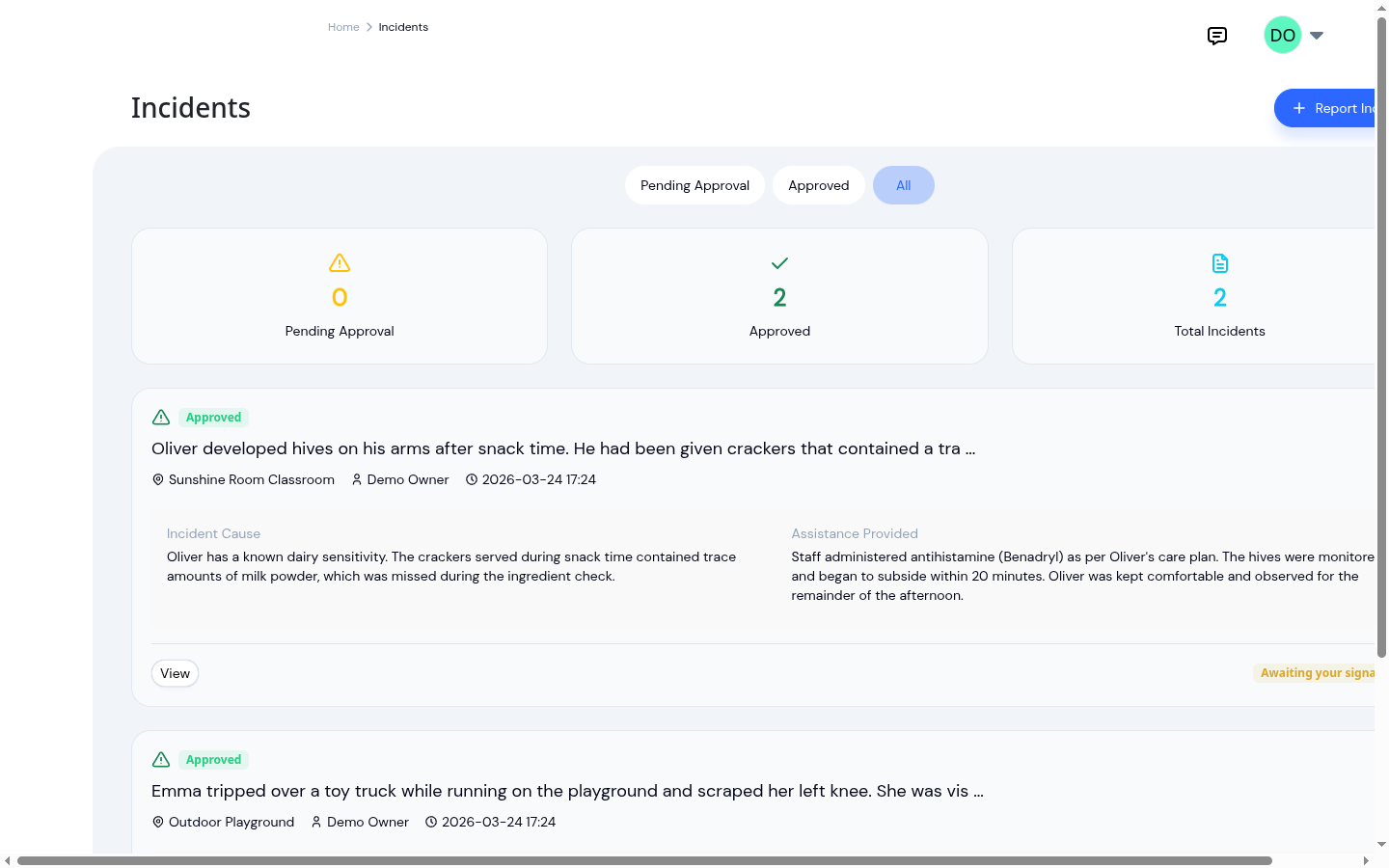
A scraped knee on the playground and a reportable allergic reaction are both "incidents." One is a quick word to a parent at pickup. The other is the kind of thing a licensing officer will ask about by name, with a deadline attached. Yet in most logs they look identical: two rows of dates and descriptions you have to read, one at a time, to tell apart.
A flat list works right up until the day you need it to do more than store things. When a regulator asks how many serious incidents you've had this quarter, or you want to know whether the same corner of the playground keeps coming up, scrolling and reading every report isn't a system. It's a scramble, usually on the afternoon you have the least time for it.
The fix isn't writing more. It's sorting what you already write, so the log can answer a question instead of just holding the answer somewhere inside it.
Two questions every report should answer up front
A useful classification comes down to two plain questions, asked the moment the report is written.
What kind of incident was it? An injury, an illness, a behavioral incident, an allergic reaction, a near-miss. The type tells you, later, which reports to pull when you're looking at one category and not the others.
How serious was it? Minor, serious, or reportable. The severity is the one that carries a clock. "Reportable" is not a description of how the day felt. It's a category with obligations behind it, and it needs to be visible the instant the report exists, not discovered weeks later when someone reads back through the file.
Neither question should be a form to dread. They're two selections. The reason to ask them at the moment of reporting, rather than tidying up afterward, is simple: the staff member filling out the report is the one person who can classify it without guessing. They were there. A director reconstructing the severity from a paragraph of text a month on is doing detective work the report should have spared them.
What sorting actually buys you
Be honest about what this does and doesn't do. Classifying an incident doesn't prevent the scrape, and it doesn't make a serious incident less serious. What it changes is whether your record is something you can use.
- A licensing visit. "How many reportable incidents this quarter?" becomes a filter and a count, not an afternoon of reading every report to be sure you didn't miss one.
- Spotting a pattern. Pull just the injuries, and you can see whether the same climber, the same time of day, the same transition keeps recurring, in time to do something about it rather than after the third one.
- A busy afternoon. A director glancing down the log can tell at sight which of today's reports are routine and which deserve a second look, without opening each one.
That's the whole value, and it's enough. A record you keep is a filing cabinet. A record you can sort is a tool.
Classification is only half of a record that holds up
Sorting tells you which reports matter. It doesn't make any single report defensible on its own. That still takes the things a good incident record has always taken: complete details written while they're fresh, the signatures of the people who wrote and approved it, and a copy that can't quietly change after the fact. We've written about what makes an incident report defensible and the case for moving from paper to digital — classification rides on top of all of that, it doesn't replace it.
The two work together. A clear classification points you to the report that matters; a complete, signed record is what survives the scrutiny once you're looking at it.
How KidzLog supports this
In KidzLog's incident reporting, the type and severity are part of the report from the start. When a staff member writes one up, they pick both right in the form, while the details are still clear. From then on the classification shows as plain badges wherever the incident appears, so the list reads itself: a glance tells you the routine scrapes from the ones that need a closer look. Because the reports are structured rather than free text, you can filter the log down to a single type or to the reportable incidents alone, and the view surfaces a reportable count instead of making you tally it by hand.
The classification travels with the record. Export an incident to its branded PDF for the paper file or a licensing binder, and the type and severity sit on the page alongside the description, the actions taken, the signatures, and the parent-notification status.
It also closes the loop with families. Once a report is approved, the parent reviews it in their app, draws their signature to acknowledge it, and can download the same PDF for their own records, no clipboard at pickup, no chasing a signature days later. The acknowledgement is stored with the time it was made, so a classified, signed, parent-acknowledged report is one complete record rather than three loose pieces you have to assemble when someone asks. For the conversation that goes with it, see what to tell parents after an incident.
The standard
Documentation only helps you if you can find what you need inside it. Sorting incidents by type and severity is the small, up-front habit that turns a flat pile of reports into a record you can question, filter, and trust, on the afternoon you actually need an answer and don't have time to read for it.
Ready to Simplify and Organize your Daycare?
Get started with KidzLog today!
KidzLog Team
Related Articles
September Update: Incident Reports and Records
Reopen and correct an approved incident report, choose when parents get the email, send families a note on declined...
New: A Child's Address and Health Care Provider
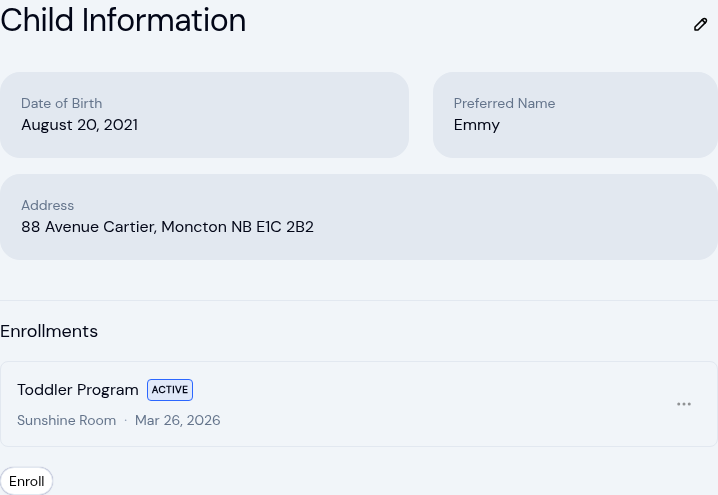
The child record now holds the child's own address and their health care provider. Both show on the profile, in Health...
Safe arrival: accounting for every child
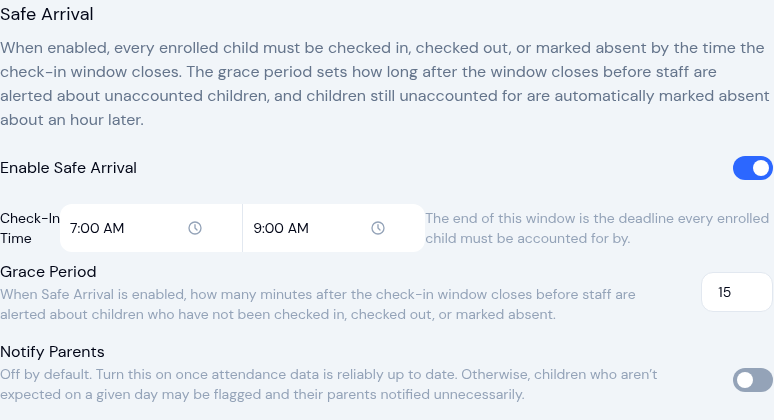
A practical guide to daily child-accounting: setting a drop-off deadline, comparing expected versus present, and what...