Parent Self Check-In
A Tablet at the Door Changes Everything.
Let parents check children in and out with a simple PIN. No lines, no paper, no staff bottleneck at drop-off.
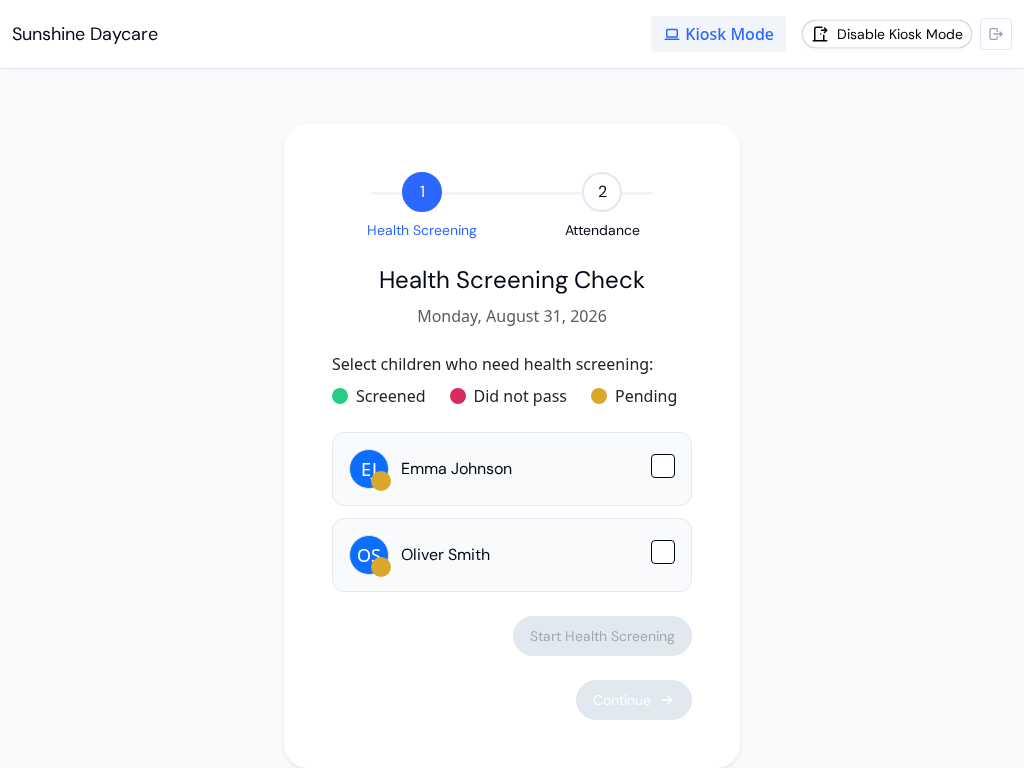
Drop-Off Without the Bottleneck.
Parents enter their PIN, check in their child, and go. Attendance updates instantly across your entire platform. No clipboard required.
Try KidzLog Free Today.PIN-Secured Check-In
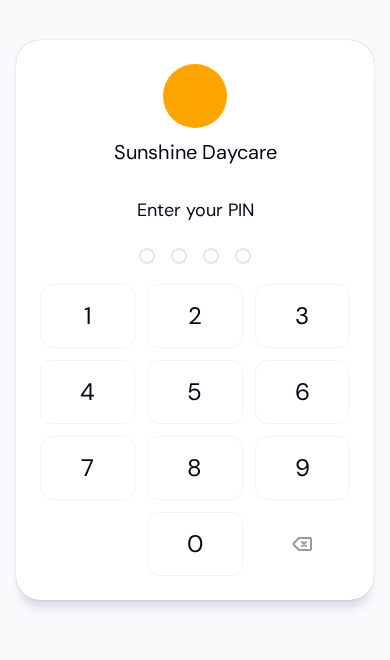
Each parent gets a unique PIN. No shared logins, no forgotten passwords; just a quick code at the door.
Tablet-Ready Design
Mount any tablet at your entrance. The kiosk interface is purpose-built for touch screens and busy parents.
Instant Attendance Updates
The moment a parent checks in, attendance records update across the entire platform in real time.
Staff PIN Protection
Only authorized staff can enable or disable kiosk mode. Your attendance system stays secure.
Replace the Paper Sign-In Sheet
Clipboards get lost. Handwriting is illegible. Paper logs can't tell you who's in the building right now. A kiosk at the door changes everything.
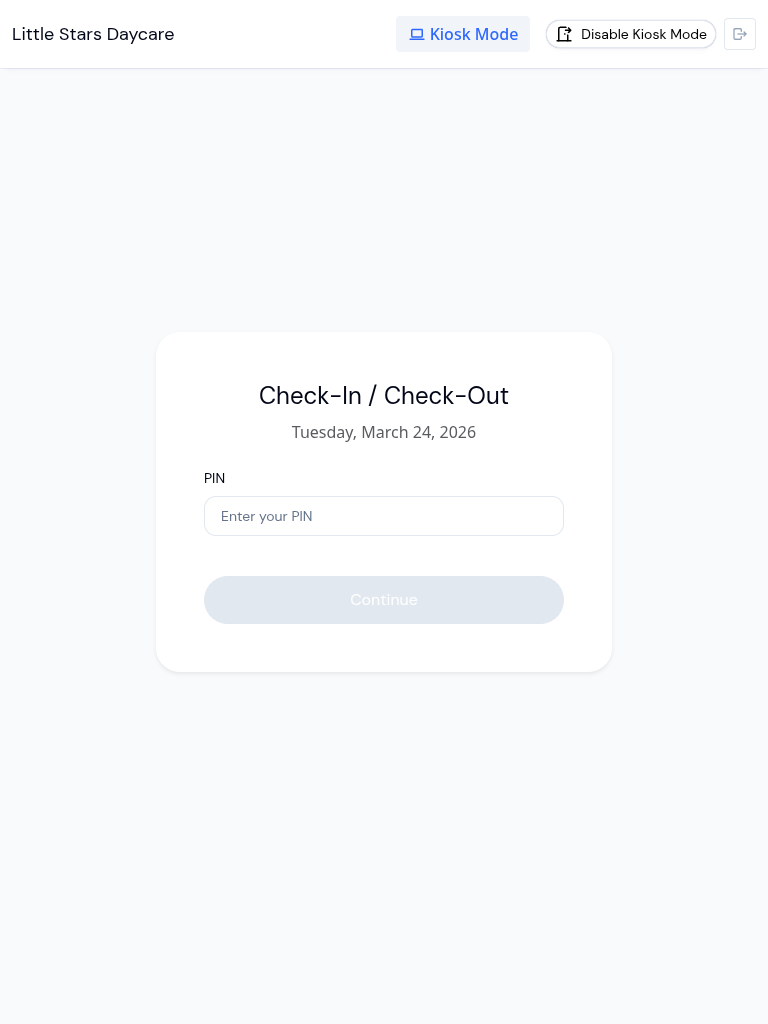
Check-In Takes Seconds
Parents walk up to the tablet, enter their PIN, and select their child. That's it. The check-in is recorded with an exact timestamp, and staff can see the updated attendance count immediately. No waiting in line, no flagging down a teacher, no scribbling on a sign-in sheet. For busy mornings when every minute counts, kiosk mode keeps things moving.
Full Control from Settings
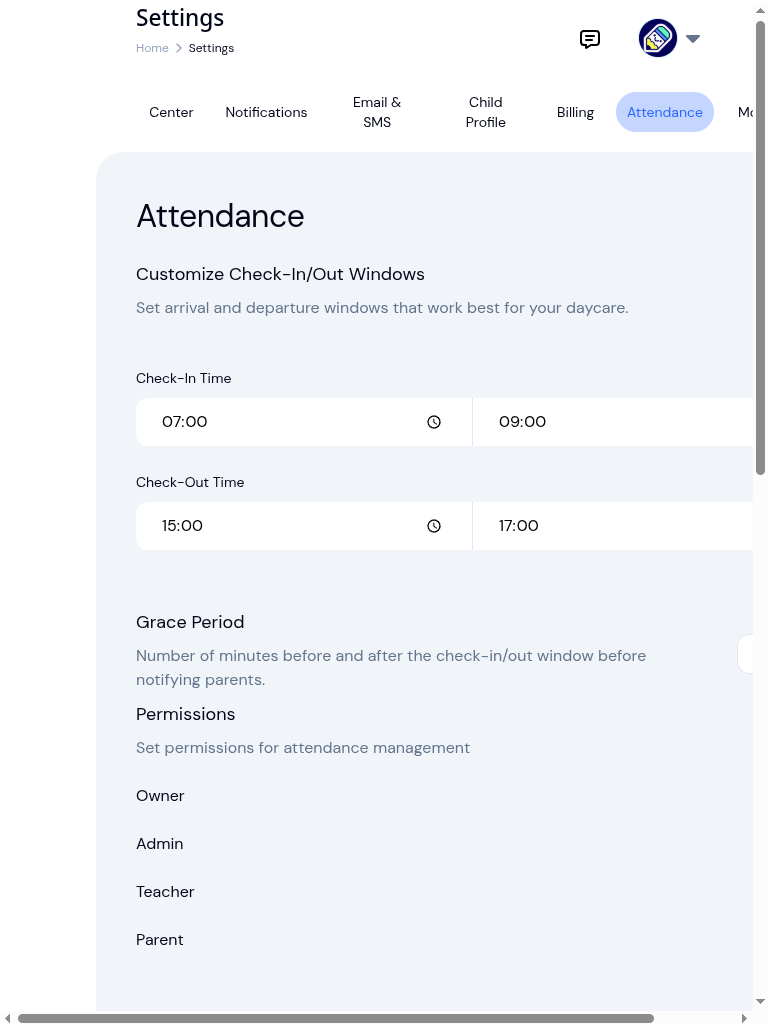
Center administrators enable kiosk mode from the attendance settings page. From there, you can configure health screening prompts, set auto-close times for attendance, and control which features are available on the kiosk device. Everything is protected by a staff PIN, so only authorized team members can turn kiosk mode on or off. You stay in control while parents get a faster check-in experience.
Prefer Their Own Phone? Add QR Check-In
Not every center wants a shared tablet. With QR check-in, parents scan a printed QR code at the entrance and complete the same PIN-secured check-in on their own phone. No app to install, no device to clean, no line. Run it alongside the tablet kiosk or on its own; both feed the same attendance records.
Explore Related Features
Kiosk mode is part of a complete attendance toolkit.
What our customers say

We save at least 60 sheets of paper every week.
We used to check students in on a clipboard — staff made hundreds of checkmarks every day to track where everyone was. Now we just glance at the counter on our iPad, and any change one person makes is instantly visible to everyone.
Frequently Asked Questions
Here are some of the most frequently asked questions about KidzLog
What hardware do I need for kiosk mode?
How do parents get their PIN?
Can I use health screening with kiosk mode?
What happens if a parent forgets their PIN?
Is kiosk mode secure?
Experience the difference with KidzLog
No demos, no credit cards, no commitments. Just sign up and explore the difference KidzLog can make for your childcare center.