

Password Reset
If you've forgotten your password, you can reset it from the login page. The process sends a verification code to your email, which you use to set a new password.
Resetting Your Password
Request a reset code
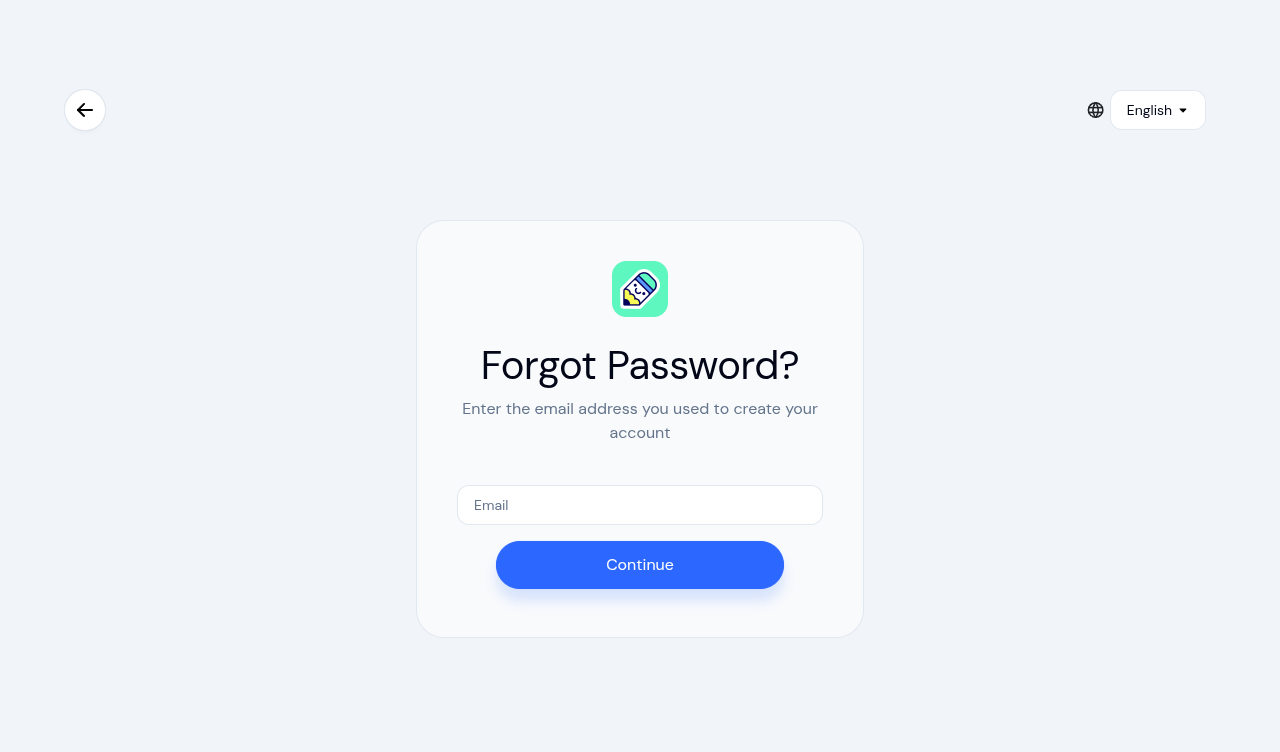
On the login page, click Forgot password?. Enter the email address associated with your account and click Continue.
Check your email
You'll see a confirmation that the reset request was sent. Check your inbox for an email from KidzLog containing a verification code.
Set a new password
On the reset page, enter the code from your email, your new password, and confirm it. Then click Set Password.
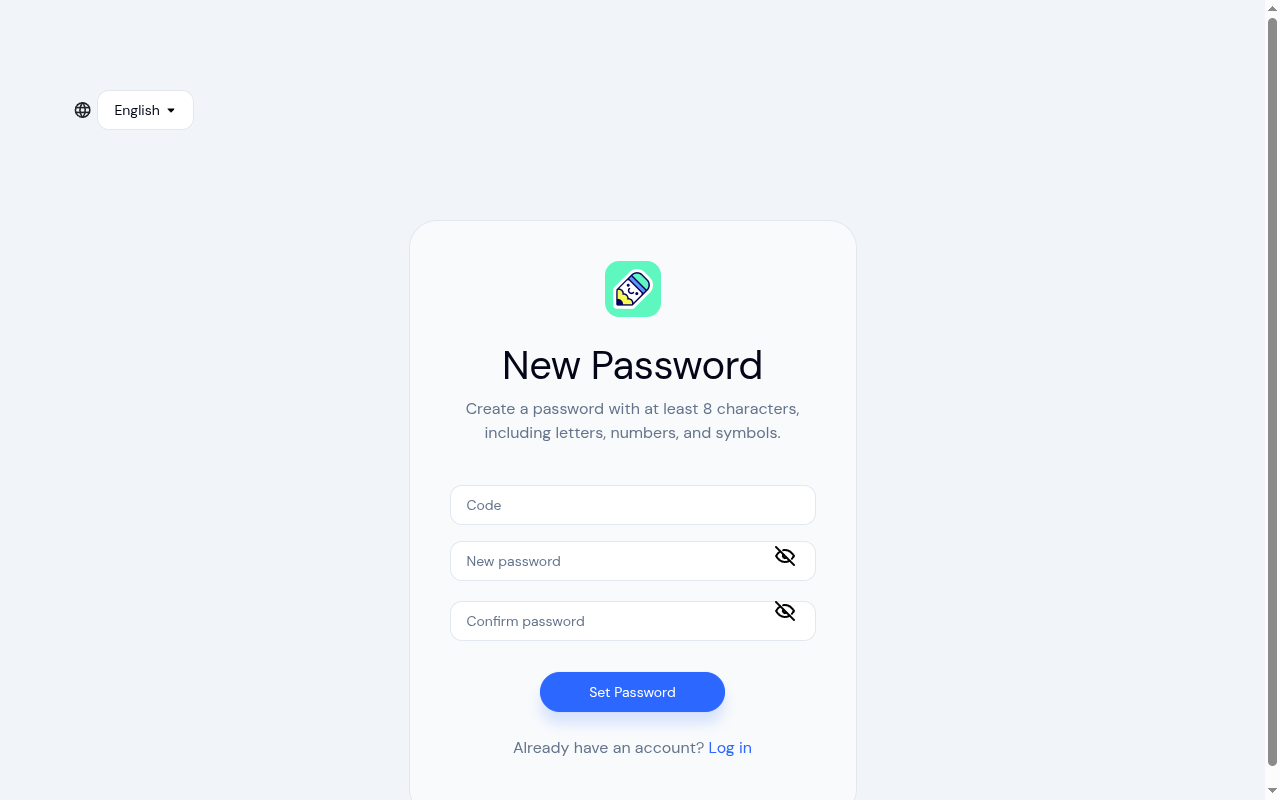
Your new password must be at least 8 characters and include uppercase letters, lowercase letters, numbers, and special characters (such as !@#$%^&*). A strength indicator helps you choose a strong password.
Log in
After your password is reset, you'll be redirected to the login page. Sign in with your new password.