

Modules
The Modules tab lets you customize which features are available at your center. Disable modules you don't need to simplify the interface for your team.
How to Access
Navigate to Settings → Modules tab.
Core Modules
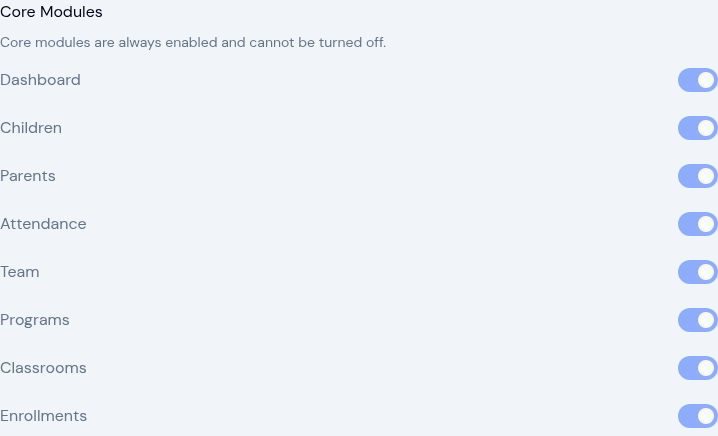
Core modules are essential to KidzLog and are always enabled. They cannot be turned off.
- Dashboard — The main overview page
- Children — Child profiles and management
- Parents — Parent accounts and invitations
- Attendance — Daily check-in and check-out
- Team — Staff management
- Programs — Program creation and management
- Classrooms — Classroom organization
- Enrolments — Child enrolment management
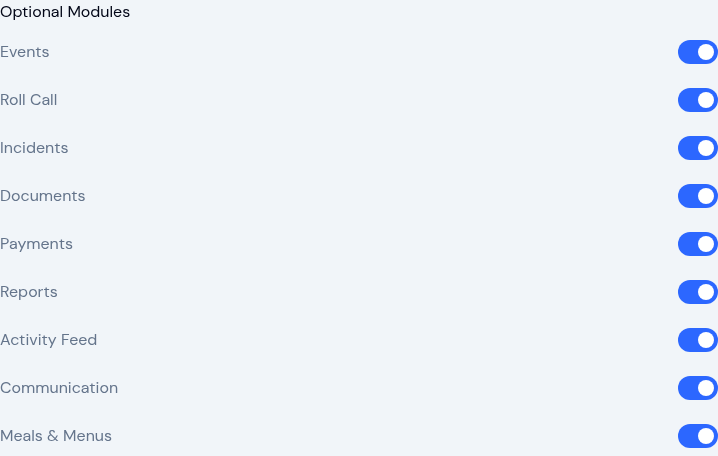
Optional Modules
Toggle these modules on or off based on your center's needs. When disabled, the module's sidebar link and related features are hidden from all users.
- Events — Calendar events and scheduling
- Roll Call — Headcount verification and safety checks
- Incidents — Incident reporting and tracking
- Documents — Share documents with families and collect signatures and acknowledgements
- Payments — Invoicing and payment tracking
- Reports — Attendance, enrolment, and roll call analytics
- Activity Feed — Daily activity logging for children
- Communication — Announcements and direct messaging between staff and parents
- Meals & Menus — Meal planning and menu management
Click Save after making changes.
What Turning a Module Off Changes
Turning a module off hides it rather than deleting anything. Its sidebar link disappears for everyone, its pages stop opening, and the records it holds are kept out of sight. Turn the module back on and everything is back exactly as it was.
Two modules share the same screens, so it helps to know what each one controls:
- Incidents — Controls incident reports wherever they appear: the Incidents pages, the Pending Incidents card on the dashboard, incident cards in a child's activity feed and the parent's feed, and the Incidents section of the daily report, for staff and for parents. With Incidents off, none of these show, and nobody can file a new report. Existing reports are kept and come back intact when you turn the module on again.
- Activity Feed — Controls day-to-day activity logging: the feed on a child's profile, the parent's feed, and the daily report. With Activity Feed off, staff cannot log meals, sleep, bathroom breaks and the rest, and neither daily report opens. Incident reporting keeps working in full, from the Incidents pages and the Pending Incidents dashboard card.
Each module stands on its own, so you can run Incidents without the Activity Feed, or the Activity Feed without Incidents, and neither one hides the other's records.