

Center Management
Center Settings Overview
Access and navigate the settings page for your center.
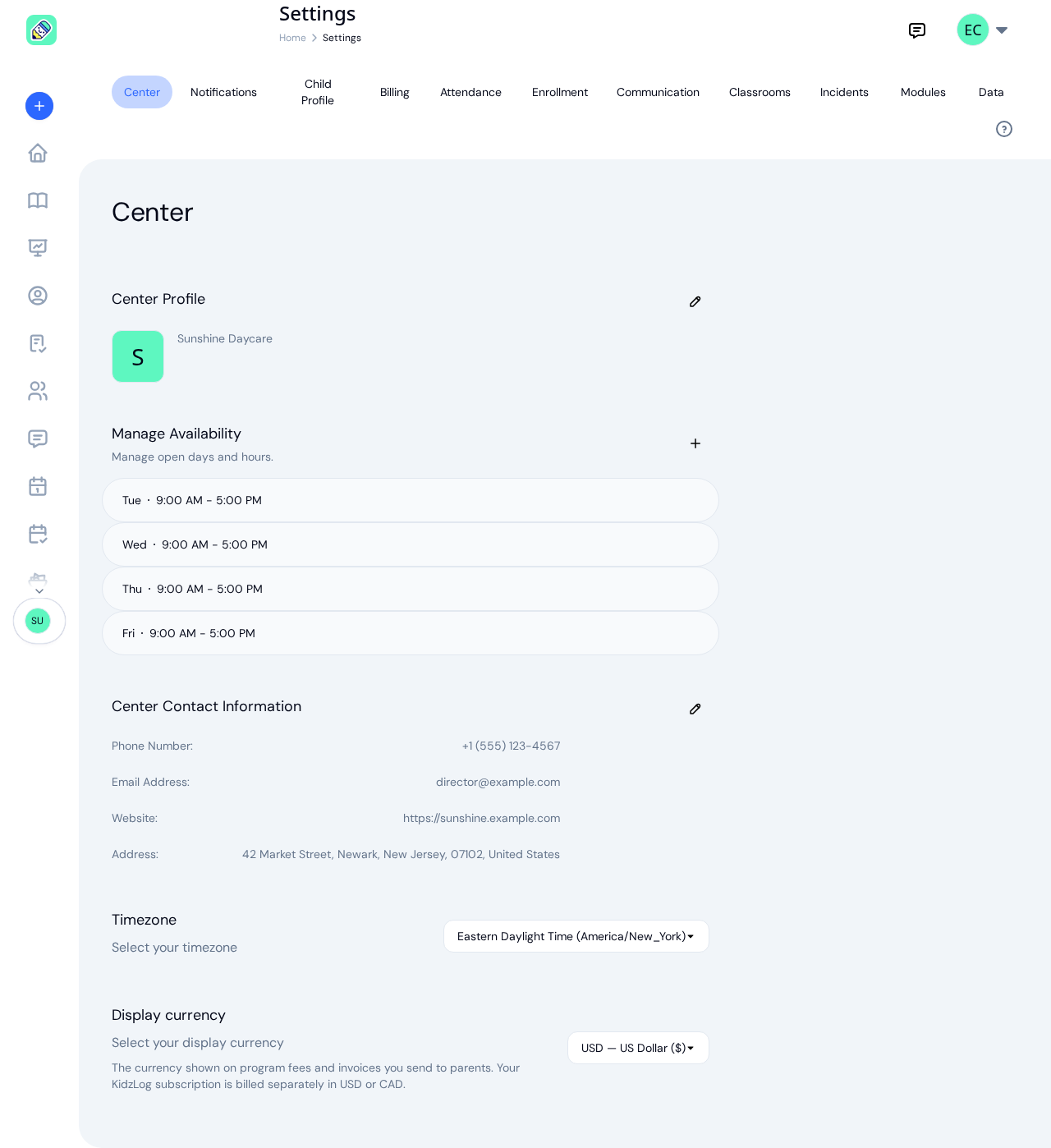
The Settings page is the central hub for configuring your center. From here you can update your center profile, manage notifications, control feature modules, and fine-tune attendance behavior.
How to Access
Click Settings in the sidebar, or open the user menu in the top-right corner and select Settings.
Tab Navigation
The settings page is organized into eleven tabs across the top. Admins see nine of them, because Modules and Data are for owners only:
- Center — Center name, logo, contact info, timezone, and display currency
- Notifications — Control which notification types are active
- Child Profile — Who can edit child profiles
- Billing — Subscription plan and payment management
- Attendance — Check-in/out windows, kiosk mode, health screening
- Enrollment — How enrolments behave across the center
- Communication — Messaging and announcement settings
- Classrooms — Whether the staff-to-child ratio panel appears on your dashboard
- Incidents — How much of an incident report's witnesses list a parent sees
- Modules — Enable or disable optional features (owners only)
- Data — Export all of your center's data, or close your center (owners only)
Owner only: Only center owners can modify these settings. Admins can view the settings but cannot save changes, and do not see the Modules and Data tabs.
On mobile/tablet: The tab bar is replaced with a dropdown selector. Tap it to switch between settings sections.