

Center Settings
Classroom Settings
Choose whether the staff-to-child ratio panel appears on your dashboard.
The Classrooms tab controls what your classrooms show on the dashboard. Today it holds a single setting: whether the staff-to-child ratio panel appears there.
How to Access
Navigate to Settings → Classrooms tab.
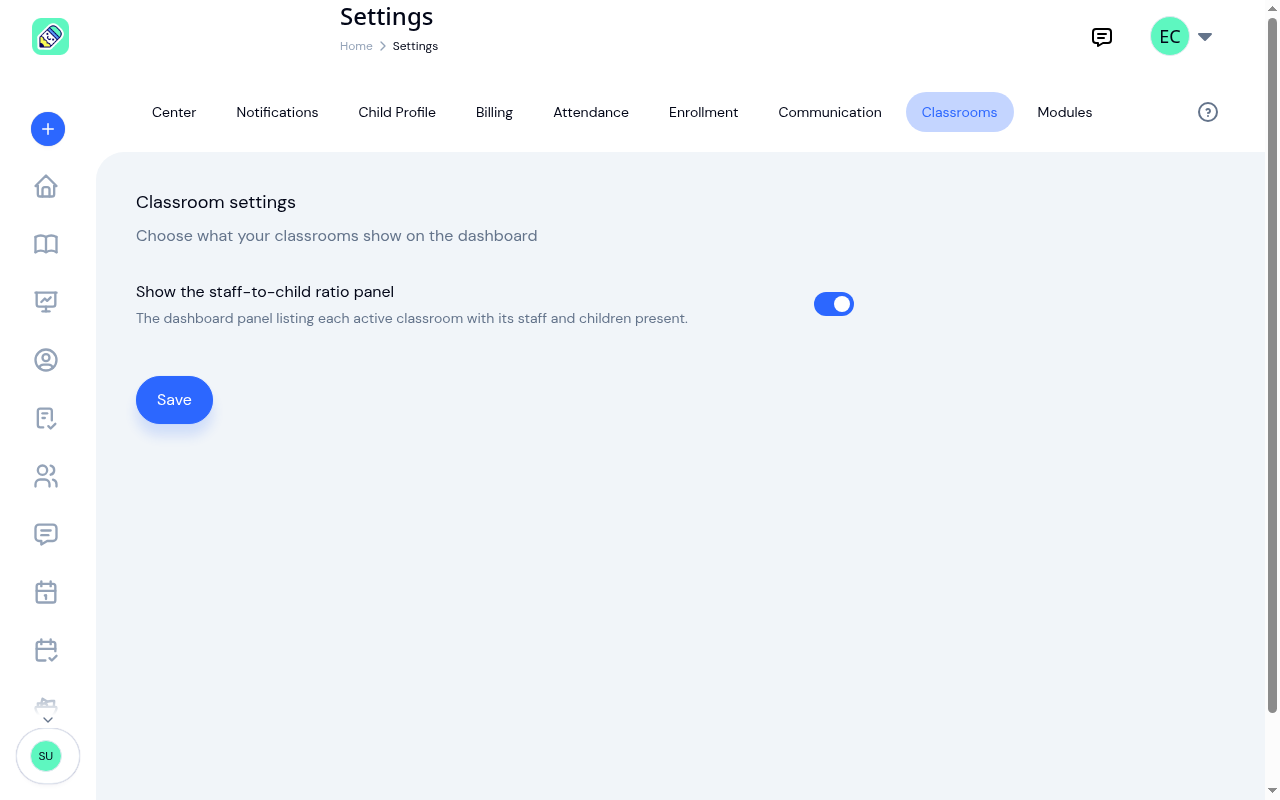
Show the staff-to-child ratio panel
This switch decides whether the Staff-to-child ratios panel appears on your dashboard. It's on unless you turn it off, so a center that has never opened this tab sees the panel.
Turn it off if your center doesn't track ratios this way, or if the panel isn't useful to you. Turn it back on at any time. Either way, click Save.
What turning it off does, and doesn't do
Turning the switch off hides one panel on the dashboard. It doesn't change anything else:
- Classrooms keep working. Rooms, assignments, enrolments, and roll call are untouched.
- The Attendance section stays. The attendance numbers directly above the ratio panel on the dashboard are a separate thing and are unaffected.
- Nobody's access changes. The same people can see the same classroom information as before.
- The ratio badge on a classroom stays. Each classroom's own page still shows its ratio status beside the room name.
Owner only: only center owners can change this. Admins can see the setting but can't save changes.
Related
- Dashboard Overview explains what the ratio panel shows and what each status means.
- Classrooms covers setting a room's Max children per staff limit, assigning staff, and why an archived room leaves the panel.