

Enrollment Settings
The Enrollment tab in Settings controls how KidzLog handles enrolments. It covers when enrolments complete automatically, whether new families go through an application review queue, whether families can apply from your own website, who has to sign off before an application is approved, and (if you use the Documents module) which documents are sent to families when an application is approved.
How to Access
Open Settings from your avatar menu, then click the Enrollment tab.
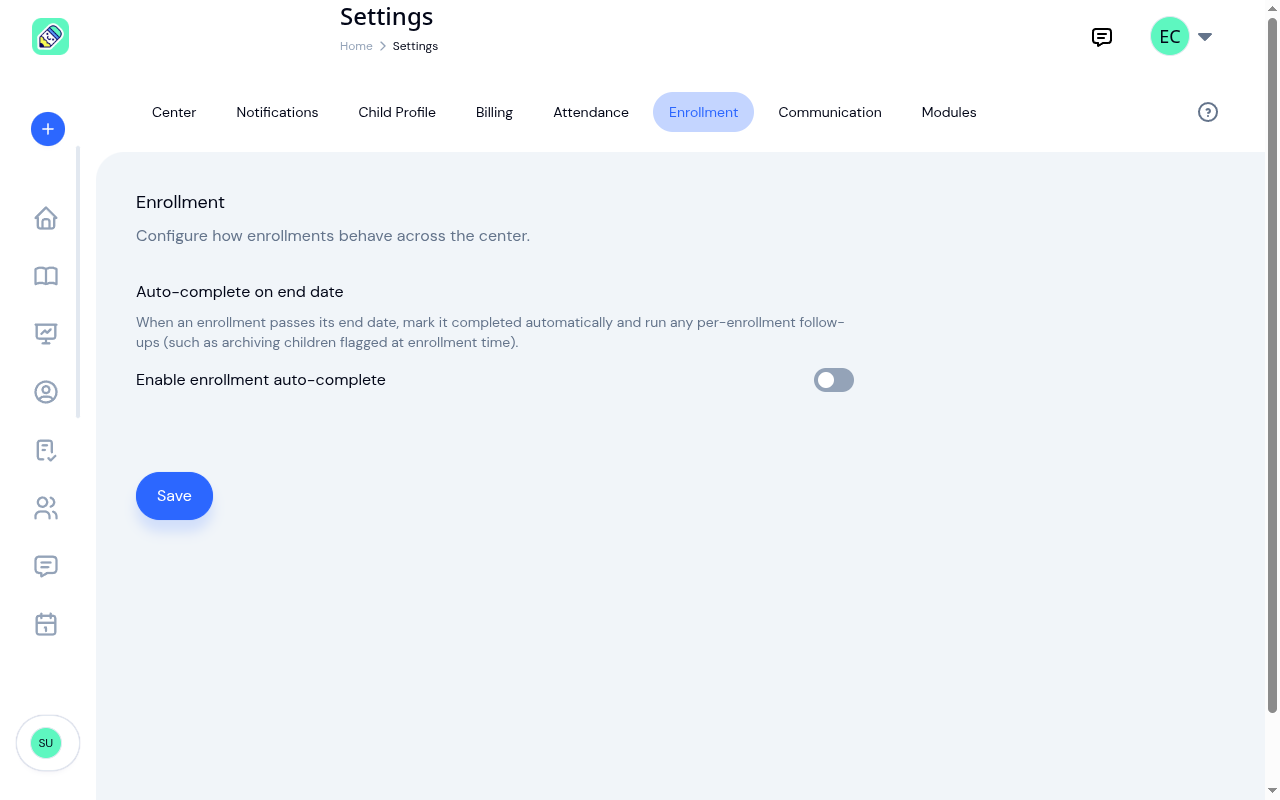
Auto-complete on End Date
When an enrolment passes its end date, KidzLog can either:
- Leave it alone — keep the enrolment's status as Active even after the end date, and let staff move it to Completed by hand
- Mark it Completed automatically — change the status the moment the end date passes, and carry out any follow-up actions you set on that enrolment (such as archiving the child)
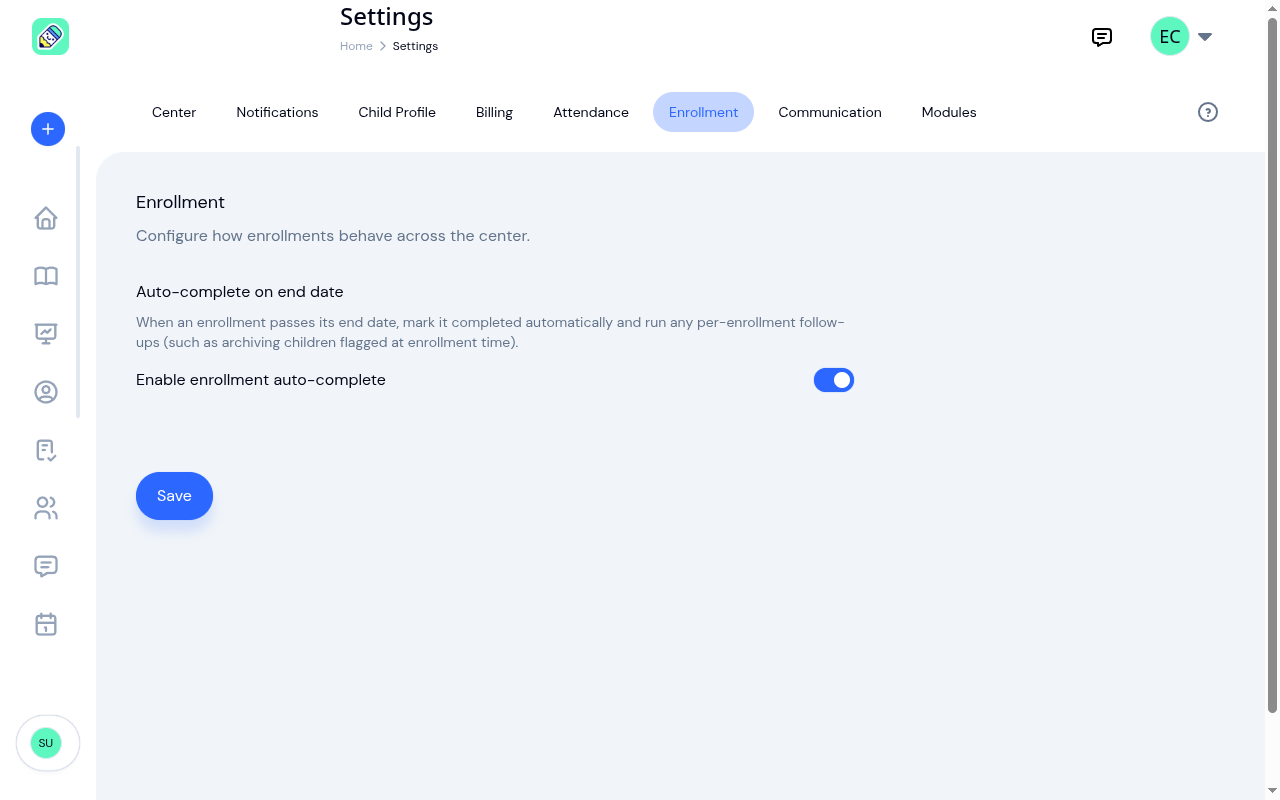
This is the toggle that picks between those two behaviors. When the toggle is off, enrolments stay open until you complete them manually. When it's on, KidzLog completes them for you and carries out any follow-up actions you turned on.
How This Gates Auto-archive
The auto-complete switch is the prerequisite for the per-enrolment "Archive child when this enrollment ends" checkbox that appears on every enrolment form.
That checkbox lets you say "when this particular enrolment ends, also archive the child" — useful for graduation programs, summer camps, or any enrolment you know is the child's last. The child gets archived automatically when the enrolment completes, unless they have another enrolment still scheduled.
But that per-enrolment follow-up only runs if KidzLog is also auto-completing the enrolment. So the rule is:
- Auto-complete OFF here → per-enrolment archive checkboxes are ignored; nothing happens automatically
- Auto-complete ON here → per-enrolment archive checkboxes work as expected
If you've set archive checkboxes on individual enrolments and they aren't taking effect on the end date, this toggle is the first place to look.
Application Pipeline
The Application pipeline toggle decides how new children join your center:
- Off (Direct mode) — Adding a child enrols them immediately. This is the default behaviour.
- On (Pipeline mode) — Staff create applications that move through a review and approval queue before they become active enrolments. Approving an application is what creates the child's enrolment.
Turn this on if you want a review step before families are enrolled. It's also the mode that the document auto-send below depends on, since auto-send runs at the moment an application is approved.
Public Application Form
This gives families a link they can apply through from your own website, with no KidzLog login needed. Their submissions land in the same review queue as the applications your team enters.
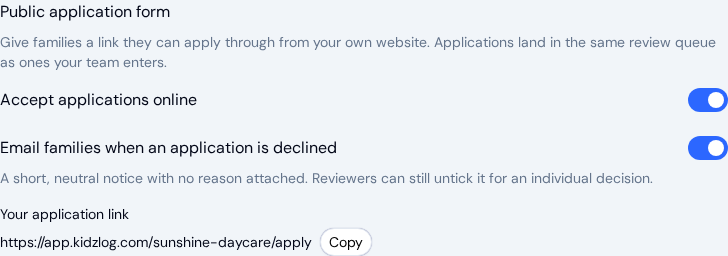
Turn on Accept applications online, and Your application link appears underneath with a Copy button. Paste that link into your website's enrolment page, an email, or a social post.
The switch is off until you turn it on. A center publishes its application address deliberately, so KidzLog never starts collecting submissions on your behalf.
Telling families when the answer is no
A family that applies through the public form is told the team will be in touch. Email families when an application is declined is what keeps that promise when the decision goes against them. With it on, declining an application sends the family a short, neutral notice that the application was not accepted, whether the family applied online or your team entered the application for them. Each contact with an email address on the application gets one. The notice never includes the reason: what a reviewer writes in the decline box stays with your team.
The switch is on from the start, so you only need to visit it if you would rather send nothing. A reviewer can also untick it for one application when they decline it, without changing the setting for everyone else.
Approval Steps
By default, anyone who can manage applications may approve one on their own. Approval steps let you require more than one sign-off first.
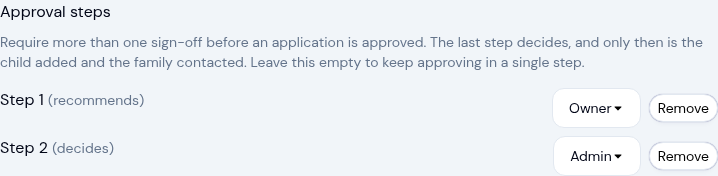
Click Add a step to build the chain, then pick the role that signs off at each step. Only Owner and Admin can be chosen, and each role can appear only once, so a chain is at most two steps. Remove takes a step back out.
Each step is labelled with its part in the decision:
- Recommends — every step except the last. Signing off here moves the application on to the next step
- Decides — the final step. Only when this one signs off is the child created, the enrolment made, and the family contacted
Leave the list empty to keep approving in a single step. When it is empty you'll see "No approval steps. Anyone who can manage applications may approve them."
Documents on Approval
When you use the Documents module, you can have KidzLog send paperwork to a family automatically as soon as their application is approved, and remind them while items are still outstanding.
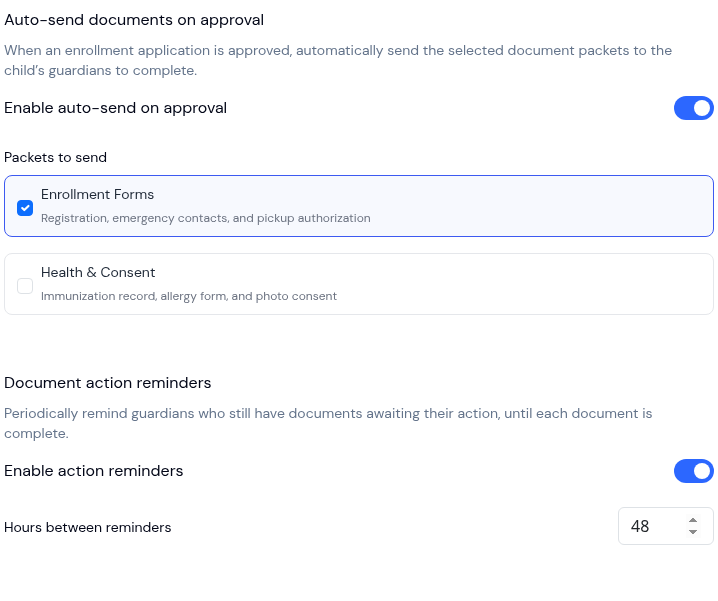
Auto-send documents on approval
Turn on Enable auto-send on approval, then tick the document packets you want sent. When an application is approved, KidzLog sends those packets to the child's guardians to complete.
- Packets to send — Choose one or more packets. If you don't have any yet, you'll see a prompt to create one in the Documents area first.
- Auto-send only runs when an application is approved, which only happens in Pipeline mode. If the application pipeline is off, KidzLog reminds you to turn it on.
Document action reminders
Turn on Enable action reminders to periodically remind guardians who still have documents awaiting their action, until each document is complete. Set Hours between reminders to control how often those reminders go out.
Saving
Click Save at the bottom of the page. A success message confirms the change. The new setting applies going forward. KidzLog won't go back and complete enrolments that already ended before you turned it on.
Related
- Managing Enrolments — covers the per-enrolment auto-archive checkbox in the enrolment form
- Children — covers manual archive and bulk archive flows