

Registration & Login
KidzLog offers two ways to sign in: with your email and password, or with your Google account. New users can create an account during the center setup process or when accepting a team or parent invitation.
Logging In
Visit KidzLog and you'll see the login screen.
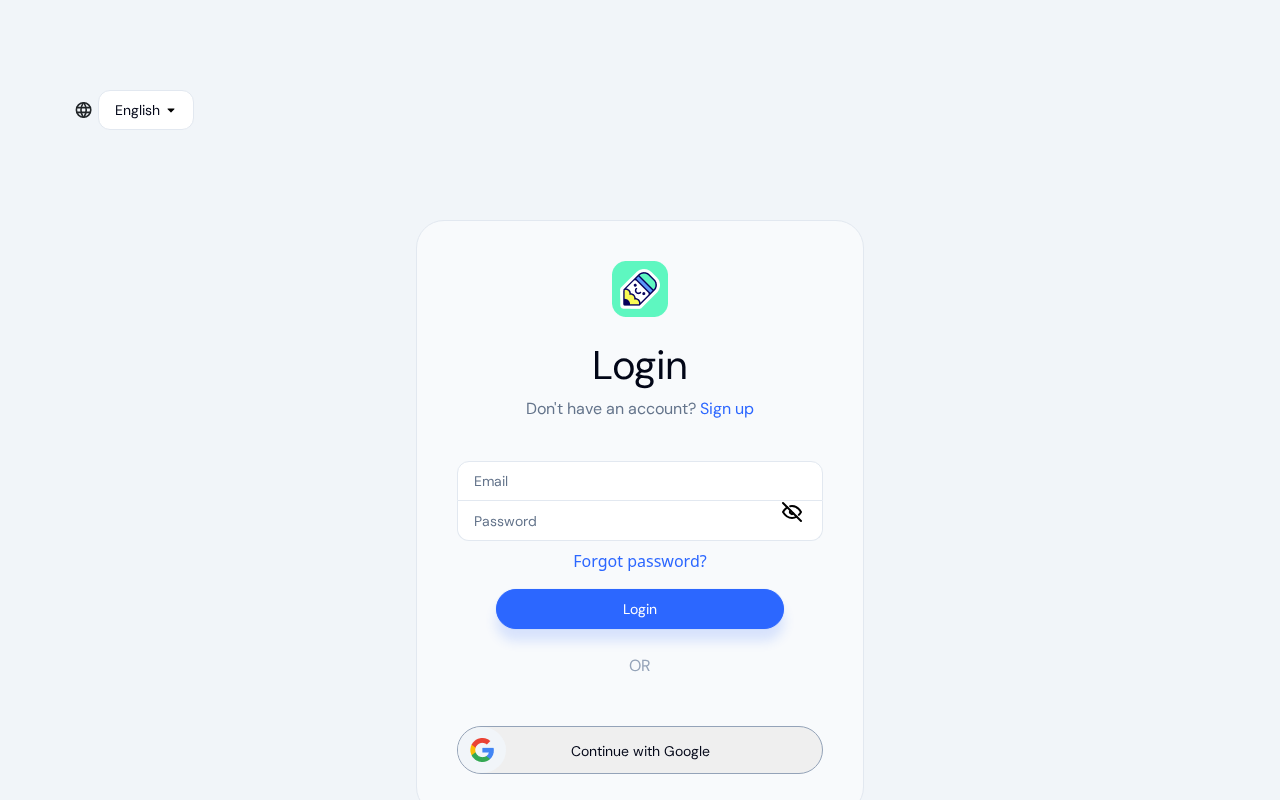
Enter your email and password, then click Login. You can click the eye icon next to the password field to show or hide your password.
To sign in with Google instead, click Continue with Google and follow the prompts to authenticate with your Google account.
Where you land after signing in
Usually you land on your dashboard. If you were sent to the login screen on your way somewhere, you land there instead:
- A link from an email — open a link to a record while you're signed out, sign in, and the record opens
- An expired session — if you're signed out while working, sign in again and you return to the page you were on
This works for both email and Google sign-in. KidzLog keeps the page for 30 minutes in that browser tab and uses it once; logging out forgets it. If you have pending invitations, the Pending Invitations screen comes first and the page opens after it. If you don't belong to any center yet, you land on the Welcome to KidzLog screen to set one up or join one.
Creating an Account
New accounts are created as part of the center setup flow. If you don't have an account yet:
Start with your center
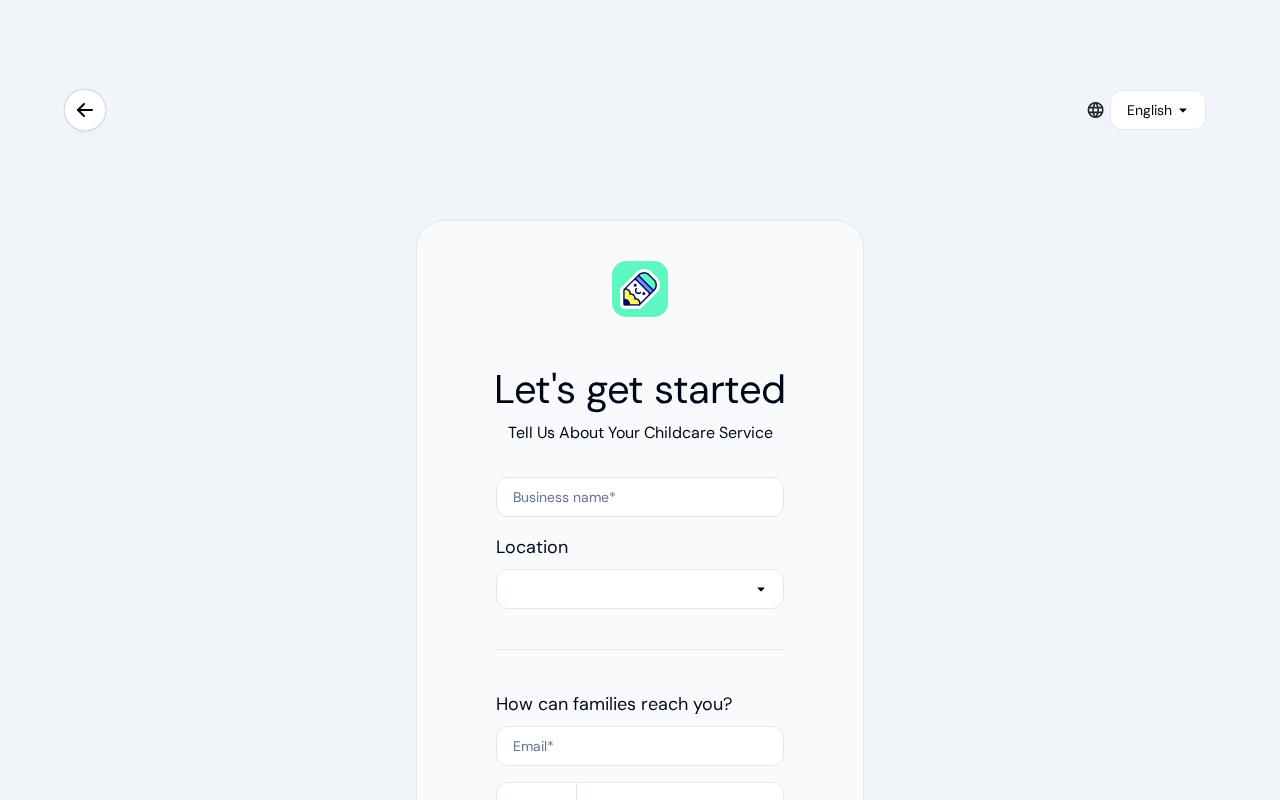
Click Sign up on the login page. You'll be taken to the center creation form where you enter your childcare center's details — business name, country, contact email, and phone number.
Set up your account
After your center is created, you'll be prompted to add a password. Click Add a Password to continue to the registration form.
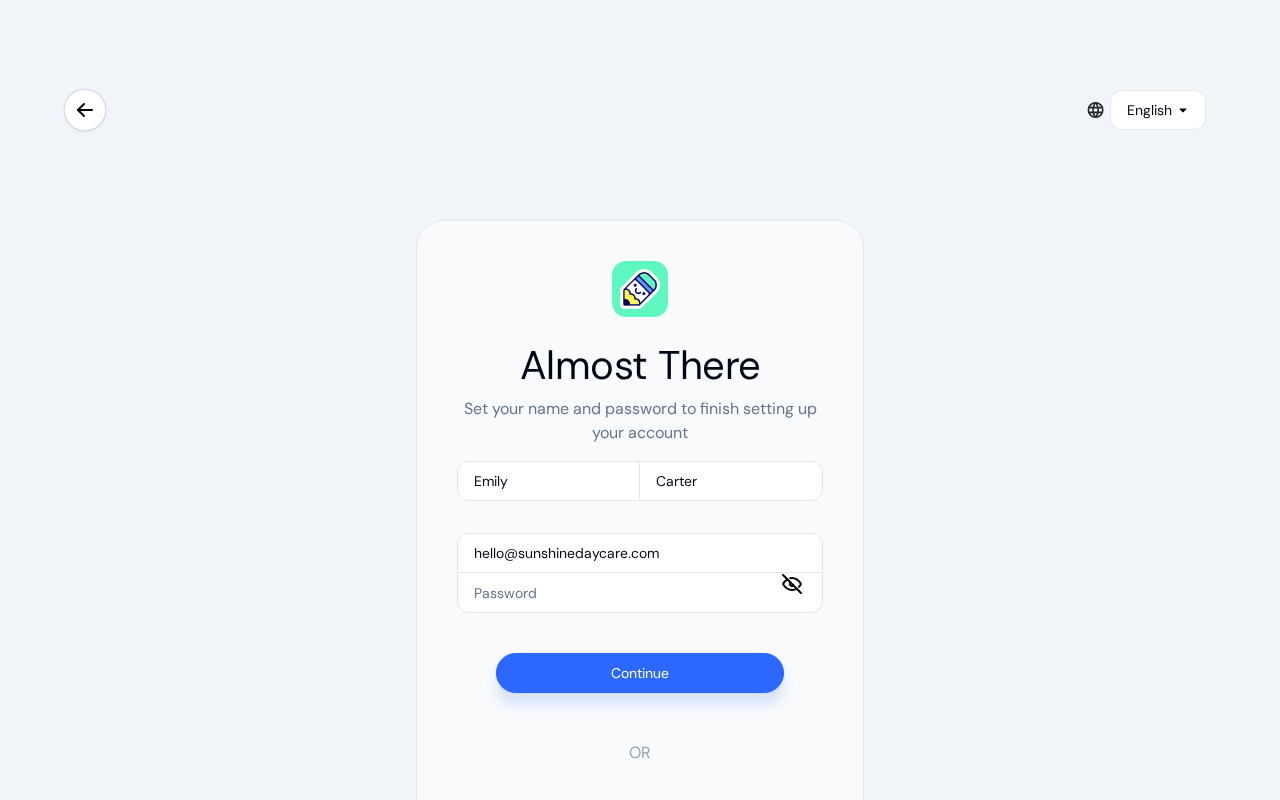
Enter your first name, last name, email, and choose a password.
Choose a strong password
As you type your password, a strength indicator shows how secure it is:
- Weak — fewer than 8 characters
- Fair — meets 1–2 criteria
- Good — meets 3 criteria
- Strong — meets all 4 criteria (uppercase, lowercase, number, and special character)
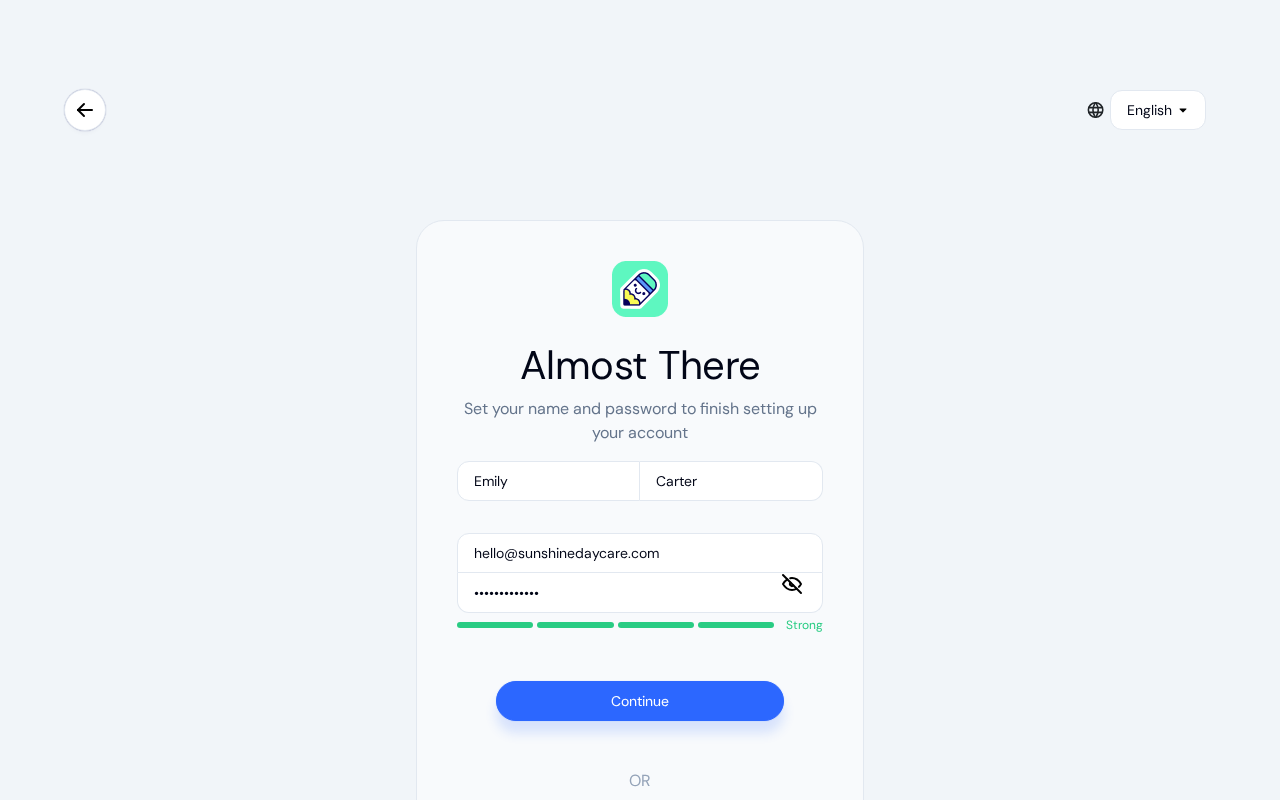
Your password must be at least 8 characters and include uppercase letters, lowercase letters, numbers, and special characters (such as !@#$%^&*).
Verify your email
After registering, you'll receive a 6-digit verification code by email. Enter the code and click Confirm.
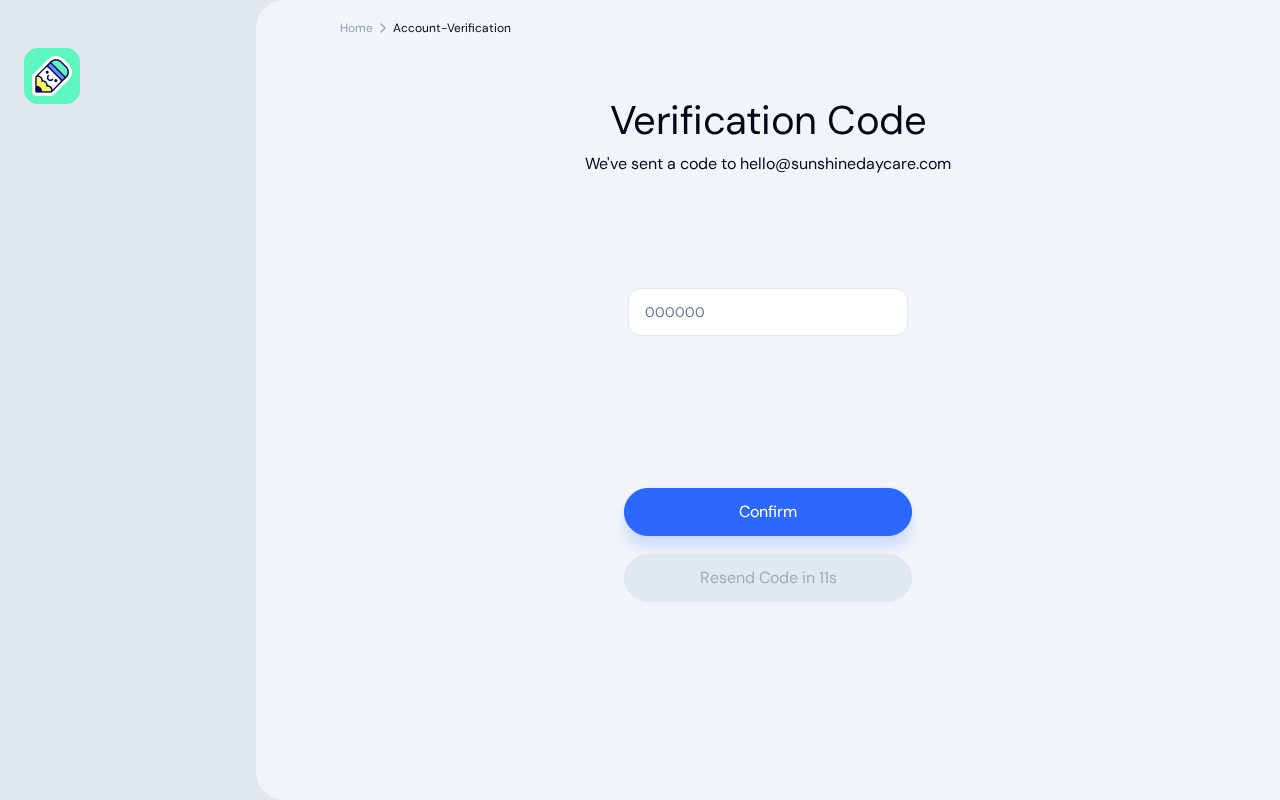
If you didn't receive the code, click Resend Code. You can request a new code every 15 seconds.
Signing In with Google
You can use your Google account to sign in or register at any time. Click Continue with Google on either the login or registration page. If you don't have a KidzLog account yet, one will be created for you.
Accepting an Invitation
If you received an invitation email from a center administrator, clicking the link in the email will take you to the registration page. After you register and verify your email, the Pending Invitations screen shows the invitation, and you accept it there to join the center.
See Accepting Invitations for more details.
Frequently Asked Questions
Check your spam or junk folder. The email is sent from KidzLog and may take a minute to arrive. If it still doesn't appear, click Resend Code on the verification screen.
Yes. A single KidzLog account can belong to multiple centers with different roles. See Switching Centers for details.
An account with that email address already exists. Go back to the login page and sign in, or use Forgot password? if you don't remember your password.