

Daily Report
The Daily Report gives you a detailed, day-by-day view of everything your child did at the center. Each section is organized by activity type so you can quickly see what happened throughout the day.
How to Access
Open the Daily Report page from the sidebar navigation. The report shows activities for your currently selected child.
Navigating by Date
At the top of the page, a date navigator lets you browse reports for any past day. Use the left and right arrows to move between days, or tap the date to jump to a specific day.
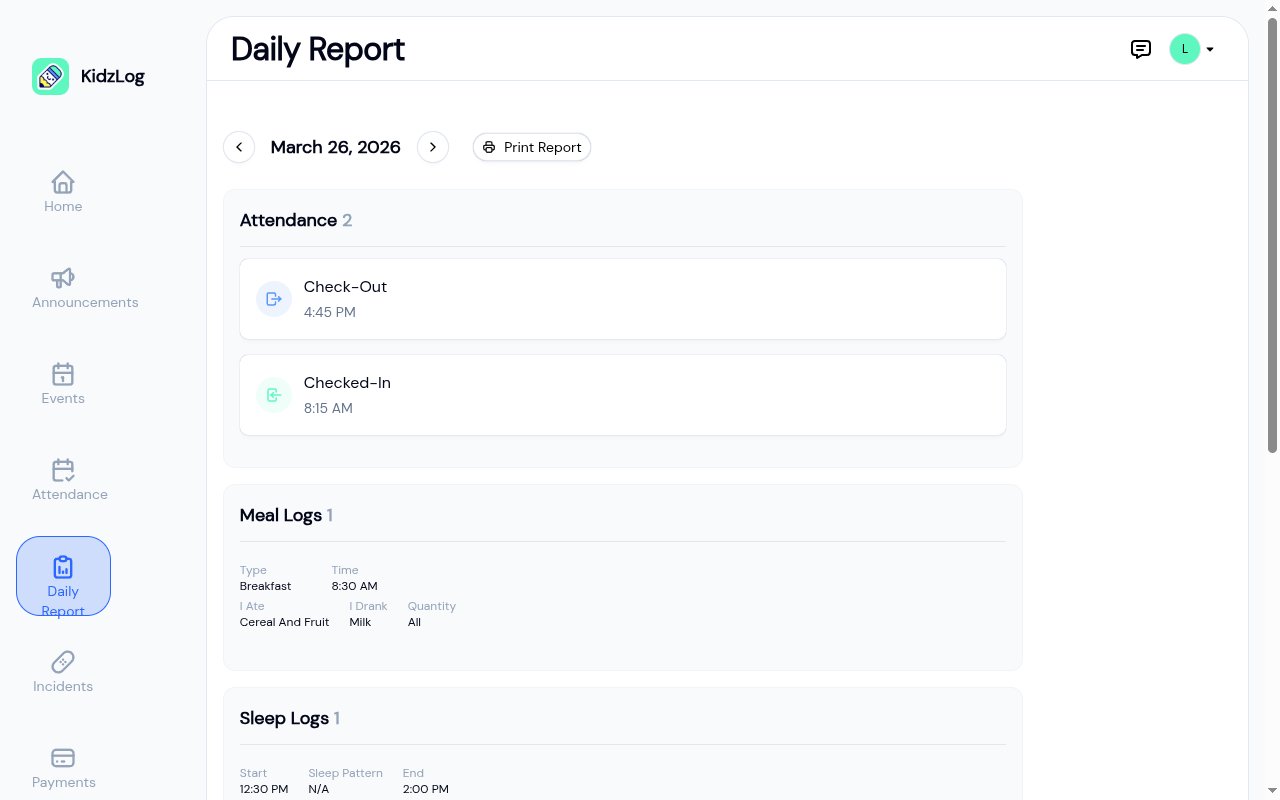
The Print Report button lets you print or save the current day's report as a PDF.
Activity Sections
The report is divided into sections based on activity type. Each section shows the number of entries and the details logged by your child's teacher.
Attendance
Check-in and check-out times for the day. Each record shows the type (Checked-In or Check-Out) and the time it occurred.
Meal Logs
What your child ate and drank, including:
- Type — Breakfast, lunch, or snack
- Time — When the meal was served
- I Ate / I Drank — What was consumed
- Quantity — How much they ate (all, most, some, or none)
Sleep Logs
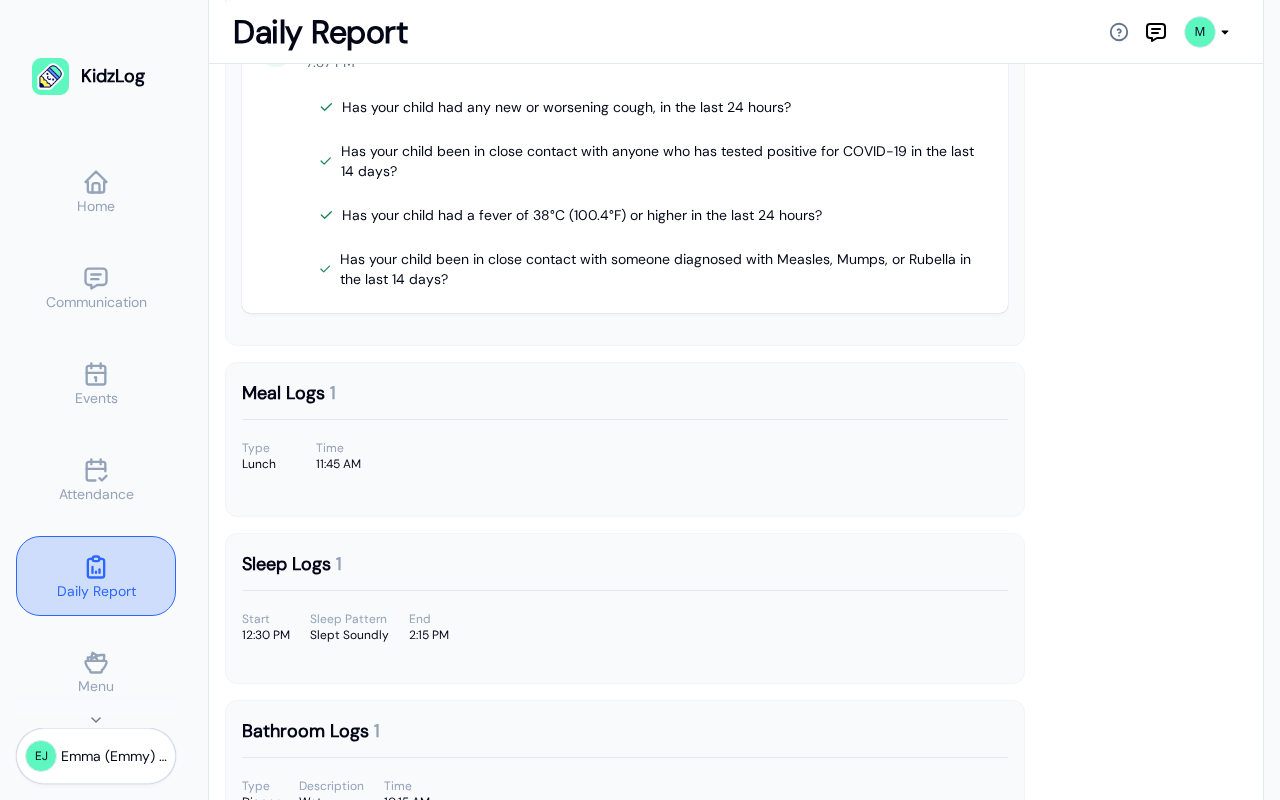
Nap and rest times, showing:
- Start and End times
- Sleep Pattern — How well your child slept
Bathroom Logs
Bathroom visits including the type (toilet or diaper), a description, and the time.
Mood Log
Your child's mood as observed by their teacher, along with the time it was recorded.
Learning Achievement
Milestones and learning moments, showing the skill area and a description of what your child accomplished.
Health Screening
If your center uses health screening, screening results for the day appear here, showing each question and the response.
Frequently Asked Questions
Yes. Use the date navigator arrows at the top of the page to browse any past day. You cannot navigate to future dates.
Tap the Print Report button next to the date navigator. This opens your browser's print dialog, where you can print or save as PDF.
Sections only appear when there are activities of that type for the selected day. If your child didn't have a sleep log recorded, for example, the Sleep Logs section won't appear.