

Center Settings
Child Profile Permissions
Set who can edit child profile information at your center.
The Child Profile tab controls which roles can edit child profiles at your center, including details like name, date of birth, allergies, and medical information.
How to Access
Navigate to Settings → Child Profile tab.
Role Permissions
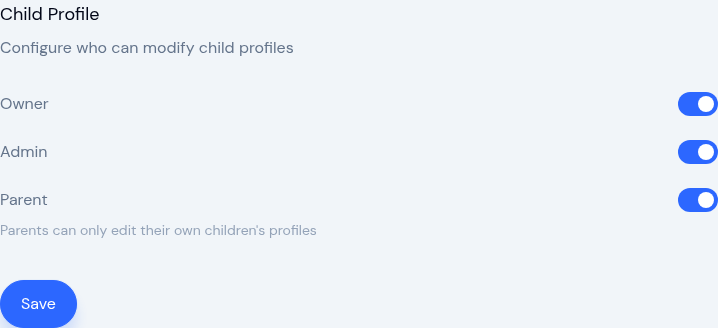
Under Configure who can modify child profiles, turn each role on or off to control who can make changes:
- Owner — on by default
- Admin — on by default
- Parent — on by default. Parents can only edit their own children's profiles.
When a role is turned off, users with that role can still view child profiles but can't make changes.
Click Save after making changes.
Teachers are always view-only. Teachers can see child profiles and health and safety information so they can care for the children in their room, but they can never edit that information, regardless of these settings. There's no toggle to give teachers edit access.