

Communication Settings
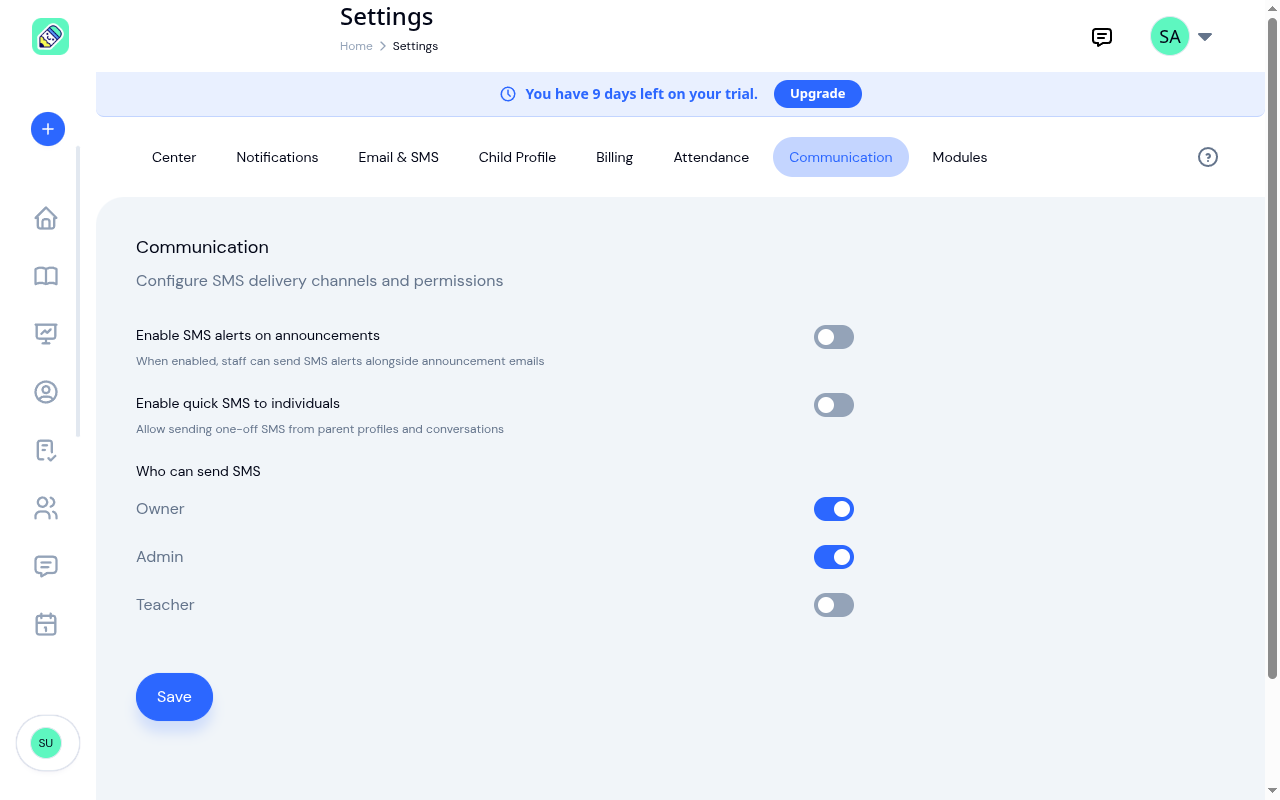
The Communication tab lets you control how SMS messaging works at your center. You can enable or disable SMS features and choose which team roles are allowed to send messages.
How to Access
Navigate to Settings → Communication tab.
SMS Alerts on Announcements
Toggle Enable SMS alerts on announcements to allow staff to send SMS alerts alongside announcement emails.
When disabled, any attempt to send an SMS alert with an announcement will be blocked by the system.
Quick SMS to Individuals
Toggle Enable quick SMS to individuals to allow staff to send one-off SMS messages from parent profiles and message threads. This is useful for quick, time-sensitive communication like "Emma forgot her lunch box" without needing to create a full announcement.
When disabled, any attempt to send an individual SMS will be blocked by the system.
Who Can Send SMS
Control which roles are allowed to send SMS messages. Each role can be toggled independently:
- Owner — On by default
- Admin — On by default
- Teacher — Off by default
When a role is disabled, team members with that role will be blocked from sending any SMS. This applies to both announcement SMS alerts and quick SMS.
Click Save after making any changes.